
Same Model, Different Results
You have probably lived this story. A demo agent answers every question perfectly. Two weeks into production it ignores instructions, calls the wrong tool, and quotes a document that was updated last month. You rewrite the prompt. It gets a little better, then something else breaks.
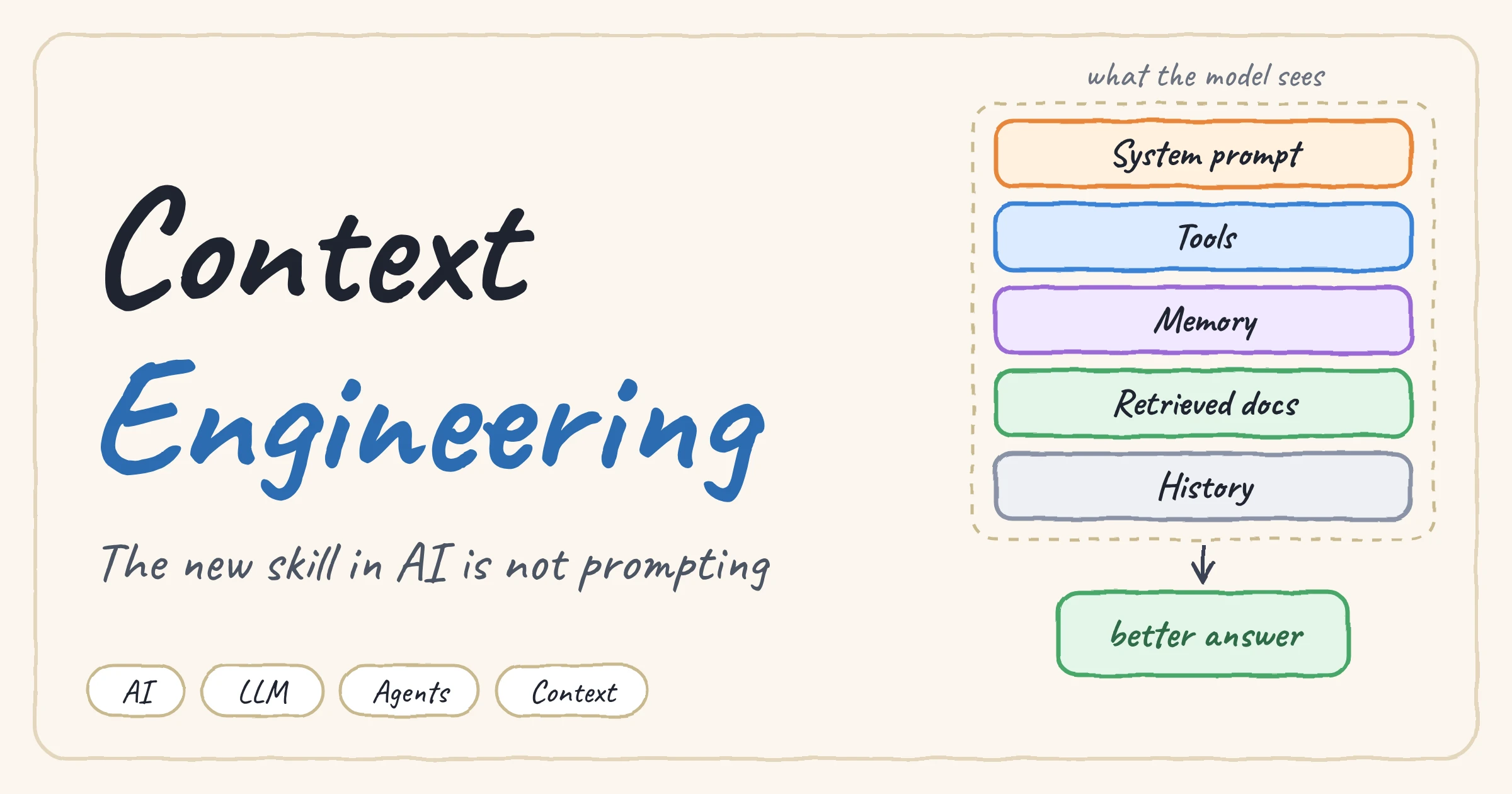
The model did not change. What it saw changed. In a real system, the model answers based on a pile of text assembled at that exact moment: instructions, tool descriptions, retrieved documents, memory, and the conversation so far. Most failures come from that pile being wrong, stale, missing, or simply too big.
That is the idea behind context engineering. The term took off in 2025 when people like Shopify's Tobi Lütke and Andrej Karpathy said they preferred it to "prompt engineering", and Anthropic's engineering team now describes it as curating all the tokens that reach the model at inference time: tools, data, and message history included, not just the prompt.
1. Prompt Engineering vs Context Engineering
Prompt engineering asks: how do I word this instruction? Context engineering asks a bigger question: what configuration of information is most likely to make the model behave the way I want, right now?
| Prompt Engineering | Context Engineering | |
|---|---|---|
| Core question | How do I word this instruction? | What should the model see right now? |
| Scope | One string | Instructions, tools, knowledge, memory, history |
| When it happens | Written once, by hand | Assembled at every step, by code |
| Fails when | The wording is ambiguous | Information is wrong, stale, missing, or too much |
| Closer to | Writing | Systems design |
Prompt engineering did not disappear. It became one input of a bigger system, and usually not the one that decides whether your product works.
2. Context Is a Budget, Not a Bucket
Modern models accept huge context windows, so it is tempting to treat them like a bucket: when in doubt, throw it in. In practice this backfires. As the window fills up, the model's ability to recall and use a specific piece of information tends to degrade, a pattern often called context rot. Every extra token draws down a limited attention budget.
The goal is not to fit as much as possible into the window. It is to find the smallest set of high-signal tokens that makes the right behavior likely.
A good rule: every piece of context has to earn its place. If removing it would not make the answer worse, it should not be there.
3. The Ingredients of Context
| Ingredient | What it is | Typical mistake |
|---|---|---|
| Instructions | System prompt, role, rules, output format | Too vague, or too brittle |
| Tools | Functions the model can call, with descriptions | Too many, overlapping, unclear names |
| Knowledge | Retrieved documents, files, database rows (RAG) | Retrieving 20 chunks "just in case" |
| Memory | Facts stored across sessions | Storing everything, never updating |
| History | Previous turns and tool results | Letting it grow forever |
| Task | The current request and the expected output | Burying it in the middle of everything else |
I covered the memory part in my post about chatbot memory architecture: history is what was said, memory is what the system decided to keep. Context engineering is the layer that decides what from all of these actually enters the window at each step.
4. Write Instructions at the Right Altitude
A system prompt can fail in two opposite ways. The first is a brittle prompt: a pile of hardcoded if-else logic written in prose. It breaks on the first case you did not predict.
The second is a vague prompt that assumes the model shares your context:
The sweet spot is in the middle: specific enough to guide behavior, flexible enough to let the model use its judgment. Organize it in clear sections (XML tags or Markdown headers both work):
- Start minimal. Test a short prompt first, then add instructions only when you see a real failure.
- Prefer examples to rule lists. A few diverse, canonical examples communicate expected behavior better than a long list of edge cases.
5. Tools: Fewer, Clearer, Non-Overlapping
Tools are part of the context too: every name, description, and parameter is read by the model on every call. A simple test: if a human engineer cannot say which tool to use in a given situation, the model cannot either.
| Problem | Better |
|---|---|
| Five tools that all "search" something | Fewer tools with clearly separate jobs and names |
Vague parameters like data or input |
Descriptive names like order_id and start_date |
| Errors that just say "failed" | Errors that say what went wrong and what to try next |
| Returning a whole database row | Returning only the fields the model needs |
6. Load Context Just in Time
The classic approach is to preload everything that might be relevant. A better pattern for many agents is just-in-time retrieval: keep lightweight references (file paths, IDs, URLs, saved queries) and let the model load the data with tools only when it needs it.
In practice the best setups are hybrid: a small, stable core loaded up front (a project instructions file, for example), and everything else fetched on demand. Here is what a context builder looks like when you treat tokens as a budget:
Notice that the function is code, not a prompt. That is the point: context is assembled by a program that decides, for each step, what goes in and what stays out.
7. Long Tasks Outgrow the Window
Even with a big window, a long-running agent will eventually produce more tokens than fit: tool outputs, file contents, dead ends. Three techniques keep the context useful over long horizons:
| Technique | How it works | Best for |
|---|---|---|
| Compaction | Summarize a nearly full context and restart a fresh window with the summary | Long back-and-forth conversations |
| Structured notes | The agent writes progress to a file (a NOTES.md or to-do list) outside the window and reloads it later | Iterative work with clear milestones |
| Sub-agents | Specialized agents explore in clean windows and return a short summary to a lead agent | Parallel research and big explorations |
Compaction is only as good as its summary. Tune it for recall first (never lose a key decision), then for precision (cut the fluff):
8. How Context Fails
When an AI system misbehaves, the cause is usually one of these. Learning to recognize them is faster than rewriting the prompt:
| Failure | Symptom | Fix |
|---|---|---|
| Missing context | Confident wrong answer, hallucination | Retrieve it, store it in memory, or let the model ask |
| Stale context | Quotes an outdated policy or document | Timestamps, re-fetching, cache invalidation |
| Noisy context | Ignores the relevant fact buried among irrelevant ones | Retrieve fewer chunks, rerank, filter |
| Contradictory context | Flips between two different answers | One source of truth, resolve conflicts before the prompt |
| Tool overload | Picks the wrong tool, or calls too many | Prune, merge, and rename tools |
| Runaway history | Quality drops late in a long session | Compaction, summaries, notes |
9. A Practical Checklist
- Print the final context. If you cannot see exactly what the model received at a given step, you cannot debug it. Read it like the model would.
- Ask of every piece: would the answer get worse if this were removed? If not, remove it.
- Make the task and critical rules easy to find, not buried in the middle of a long dump.
- Measure tokens per component (system prompt, tools, documents, history) so you know where the budget goes.
- Turn real failures into tests. Save the bad conversations and replay them after every change.
- Change one thing at a time, or you will not know what fixed it.
Conclusion
Prompting is still useful, but it is a small part of the job. The skill that separates a demo from a product is deciding, at every step, what the model should see: the right instructions, the right tools, the right knowledge, the right memory, and nothing else.
So the next time your AI system misbehaves, do not start by rewording the prompt. Print the context and read it. The bug is usually in there.
Further reading: Effective context engineering for AI agents by Anthropic's engineering team.