
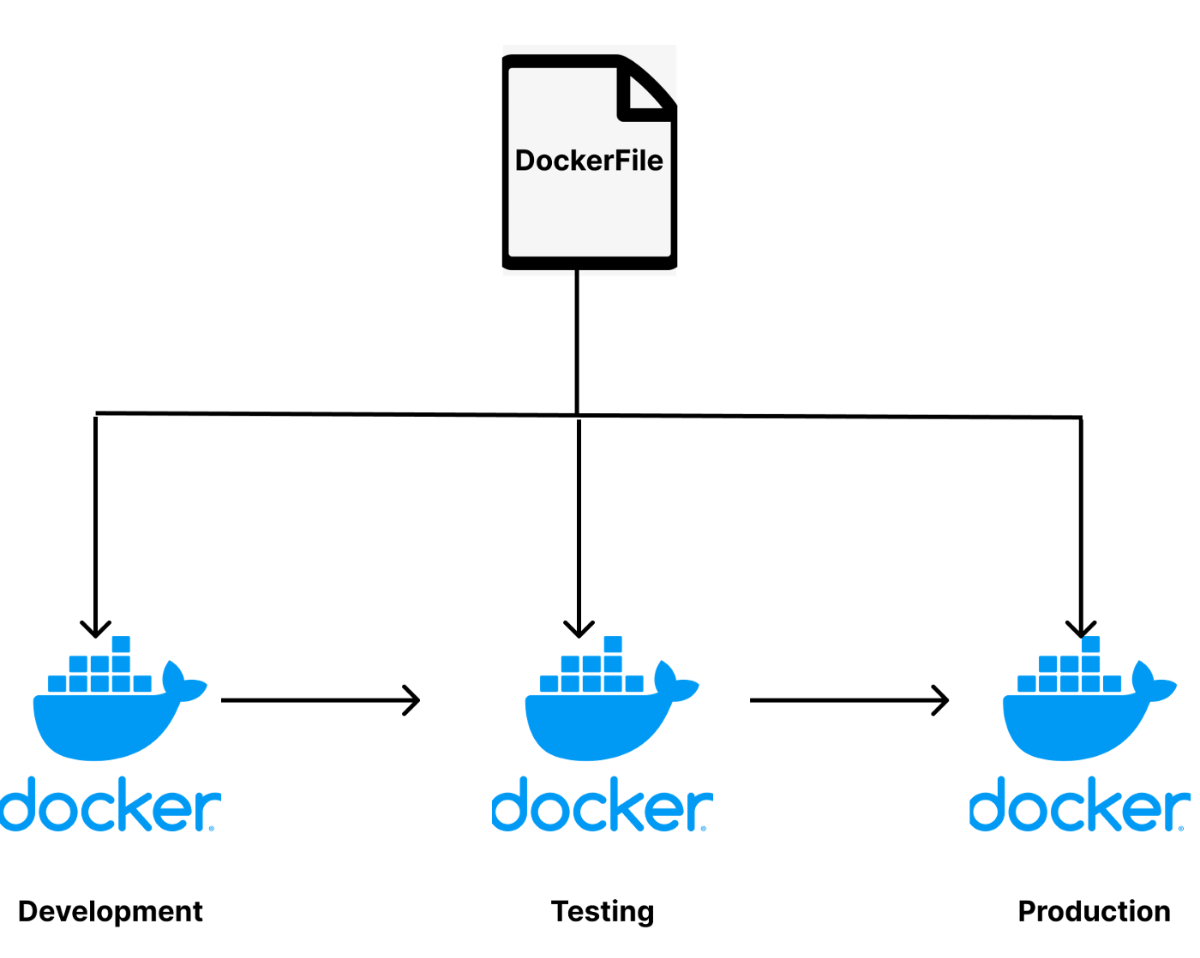
I didn’t realize my Docker images were a problem… until they became one.
While working on one of my projects, everything seemed fine locally.
The app was running, containers were up… no issues.
But when I started thinking about deployment, I noticed something important:
- ⚠️ My Docker image was HUGE
- ⚠️ It included dev dependencies and build tools
- ⚠️ I was basically shipping everything, even what I don’t need in production
Then I discovered Multi-Stage Builds
The idea is simple:
Instead of building and running everything in one image…
You split it into stages:
- Stage 1 → build the application
- Stage 2 → keep only production-ready output
After applying it:
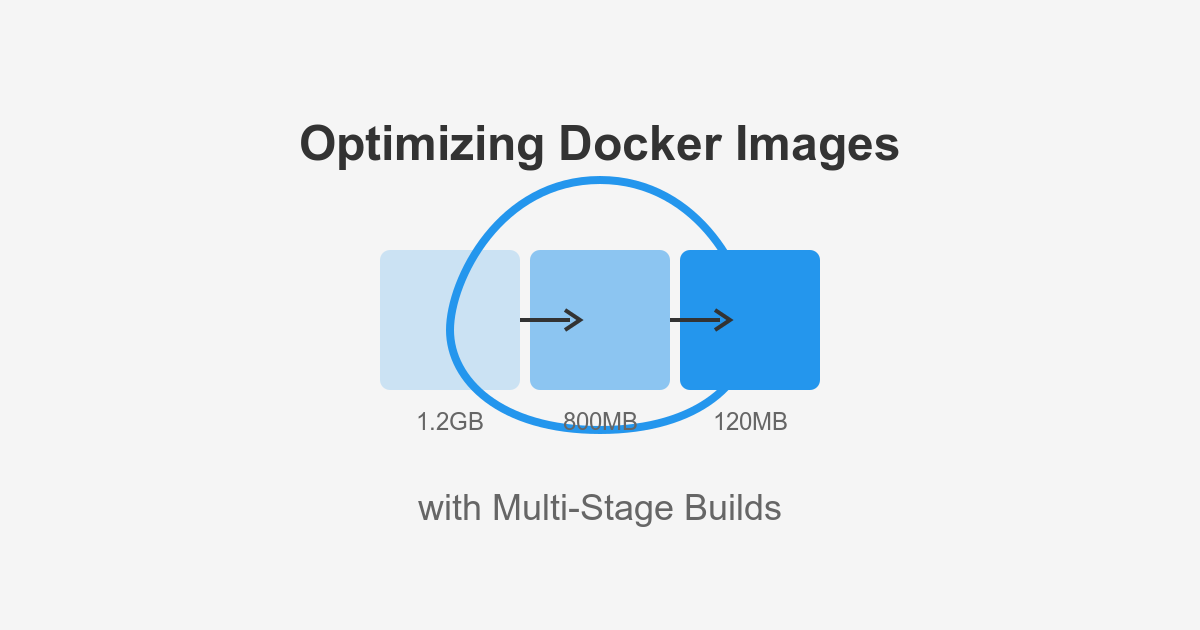
- ✔️ Image size dropped from ~28GB → ~7GB 😳
- ✔️ Cleaner production setup
- ✔️ Faster builds & deployments
- ✔️ Reduced security risks
Simple Docker example that changed everything:
# Build stage
FROM node:20 AS builder
WORKDIR /app
COPY package*.json ./
RUN npm install
COPY . .
RUN npm run build

# Production stage
FROM node:20-alpine
WORKDIR /app
COPY --from=builder /app/dist ./dist
COPY --from=builder /app/package*.json ./
RUN npm install --only=production

CMD ["node", "dist/index.js"]
Lesson learned
Just because it works… doesn’t mean it’s optimized.
Small improvements like this can completely change your deployment strategy.
#Docker #DevOps #SoftwareEngineering #WebDevelopment #LearningInPublic